Custom Software Solutions for Modern Businesses
With over 25 years of combined experience, we build cutting-edge web and mobile applications powered by AI and automation.

Our Services
Leveraging technology to help businesses operate more efficiently
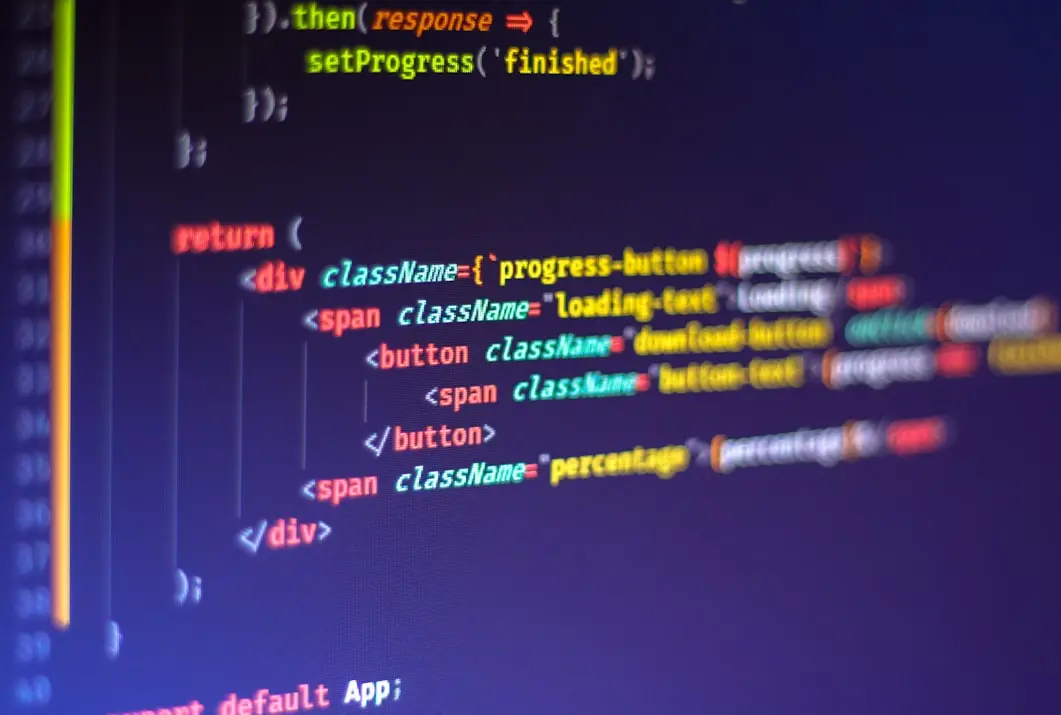
Web Development
Modern, responsive websites and web applications built with the latest technologies.
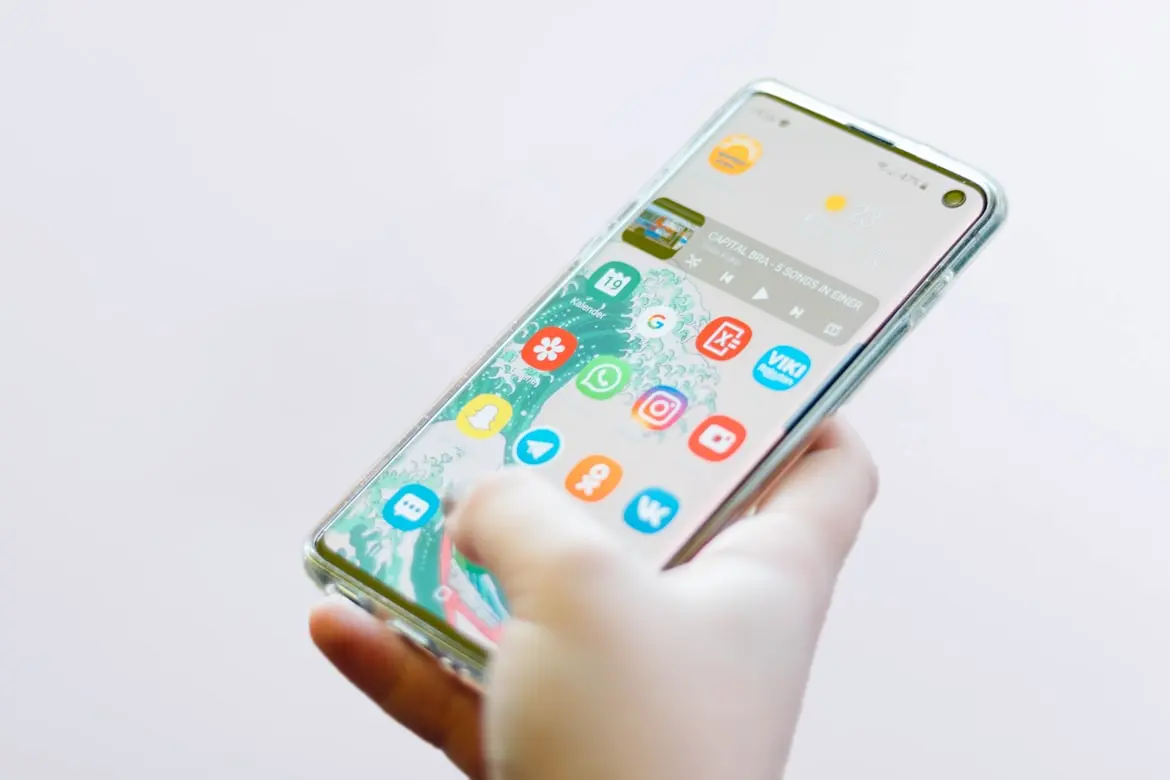
Mobile App Development
Native and cross-platform mobile applications for iOS and Android platforms.
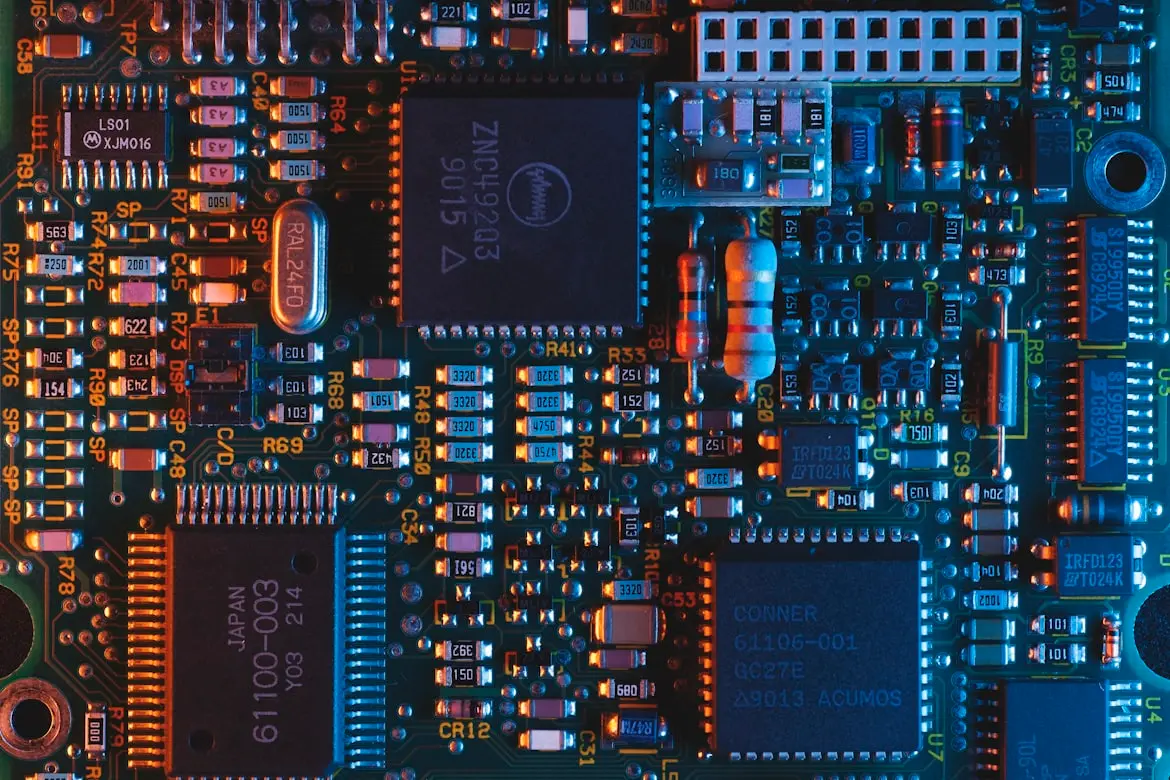
AI Solutions
Custom AI and machine learning solutions to automate processes and gain insights from data.
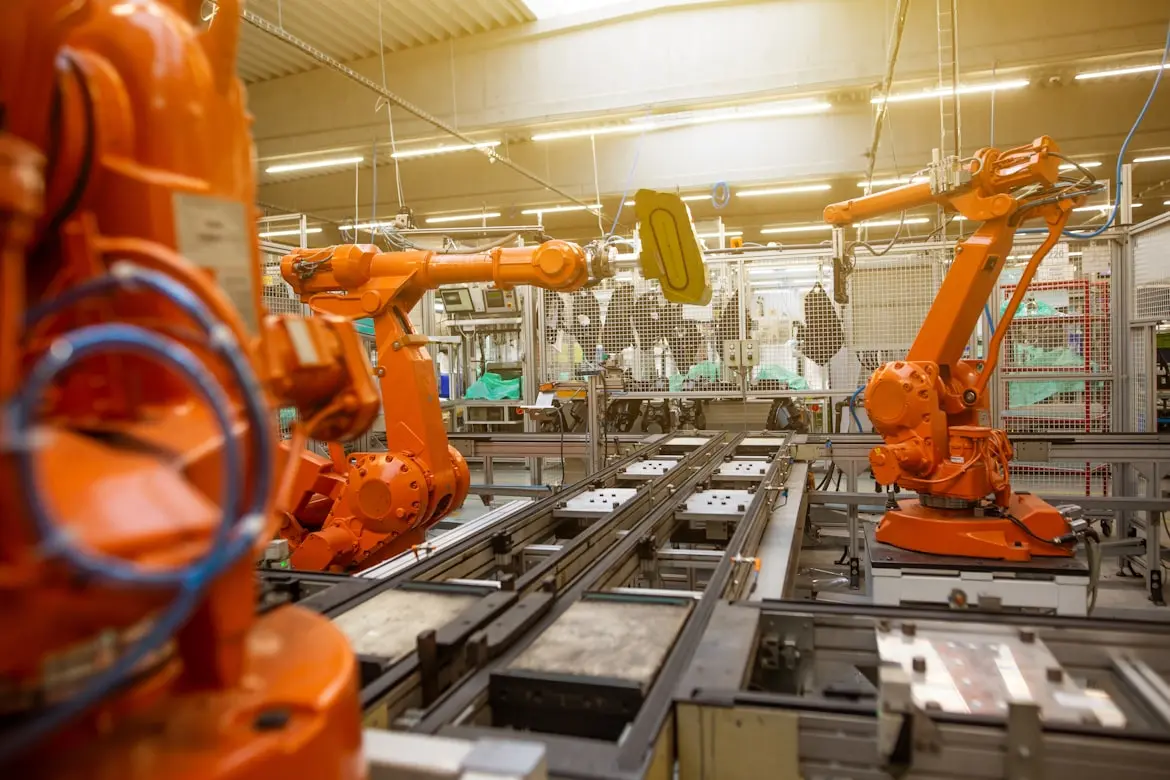
Custom Automations
Streamline your business operations with tailored automation solutions.
Helping Businesses Thrive with Technology
We partner with companies to develop custom software solutions that drive efficiency, innovation, and growth.
Building the Digital Future
At Lara Information Technology Services LLC, we believe that technology should empower businesses to achieve their goals. Our team of experienced developers and designers work closely with clients to understand their unique challenges and create tailored solutions.
Whether you need a custom web application, mobile app, or automation solution, we have the expertise to bring your vision to life. Our focus on quality, performance, and user experience ensures that we deliver solutions that exceed expectations.
We combine technical expertise with business acumen to create solutions that not only solve problems but also drive growth and innovation.
Why Choose Lara Information Technology Services LLC?
We combine experience, expertise, and innovation to deliver exceptional results
25+ Years Experience
Our team brings decades of collective experience in software development and technology solutions.
AI & Machine Learning
We leverage advanced AI technologies to help businesses gain insights and automate processes.
Custom Automations
We build custom automation solutions that help businesses operate more efficiently.
Modern Technologies
We stay on the cutting edge of technology to deliver modern, scalable, and maintainable solutions.
End-to-End Solutions
From concept to deployment, we handle every aspect of the software development lifecycle.
Client-Focused Approach
We work closely with our clients to understand their unique needs and deliver tailored solutions.
Our Team
12With over 25 years of combined experience in software development

Louis Barraza
Co-CEO, Co-Founder
Technology leader with extensive experience in software development and business strategy.

Lino Suarez
Co-CEO, Co-Founder
Experienced software architect with a passion for creating innovative technology solutions.

Cairo Resendiz
Dev. Team Leader
Technical leader with a track record of delivering high-quality software solutions.
FAQ
Set our as your default launcher to instantly declutter your phone. A simple swipe up from the bottom of your screen brings up your entire app collection, allowing you to find and open what you need in a snap.
Option 1: Via System Settings
• Open your phone's Settings.
• Go to Apps / Default Apps.
• Select Home App (or Default Home Screen).
• Choose your phone's native launcher from the list.
Option 2: Directly from the Home Screen
• Long-press the our icon on your home screen.
• Tap "Restore Home Screen" in the pop-up menu.
• Confirm to instantly switch back to your original layout.
Via App Store
Search for our app page in the store and tap "Uninstall."
Directly from App List
Find the app icon, long-press it, and select "Uninstall" from the pop-up menu.
⚠️ Troubleshooting Tip:
If your system prevents uninstallation or shows an error, it is usually because the app is still active as your default launcher. Simply go to your phone's Settings to change your default home screen back to the system native launcher first, and you will then be able to uninstall the app with ease.
Ready to Get Started?
Contact us today to discuss your project and discover how we can help your business succeed.
22401 Charlene Way,Castro Valley, CA 94546 US